
The Garmin Approach S60 is more than just a golf watch; it is a high-performance smartwatch designed to be your primary on-course strategist. Whether you are unboxing it for the first time or looking to master its advanced swing metrics, this guide will help you get the most out of your device.
Table of Contents
1. Getting Started: The Initial Setup
To begin using your Garmin Approach S60, follow these essential steps to ensure your device is synchronized and ready for the first tee.
Step 1: Charge and Power On
Before heading to the course, plug the small end of the USB cable into the charging port on the back of the watch. A full charge takes roughly 45 to 60 minutes and provides up to 10 hours in GPS mode. Hold the side button to power it on.
Step 2: Pair with Garmin Connect
To unlock the full potential of your watch, you must pair it with the Garmin Connect Mobile app (available on iOS and Android).
- Open the app and select Garmin Devices > Add Device.
- The watch will display a pairing code; enter this into your phone to sync your golf stats, receive smart notifications, and update course maps.
2. Using the Watch on the Golf Course
The S60 shines once you step onto the grass. Here is how to navigate a round:
Starting a Round
- Press the Action button (top right).
- Select Golf and wait for the watch to locate satellites.
- Select your course from the list of nearby locations.
The Touchscreen Interface
The 1.2-inch sunlight-readable display is built for interaction.
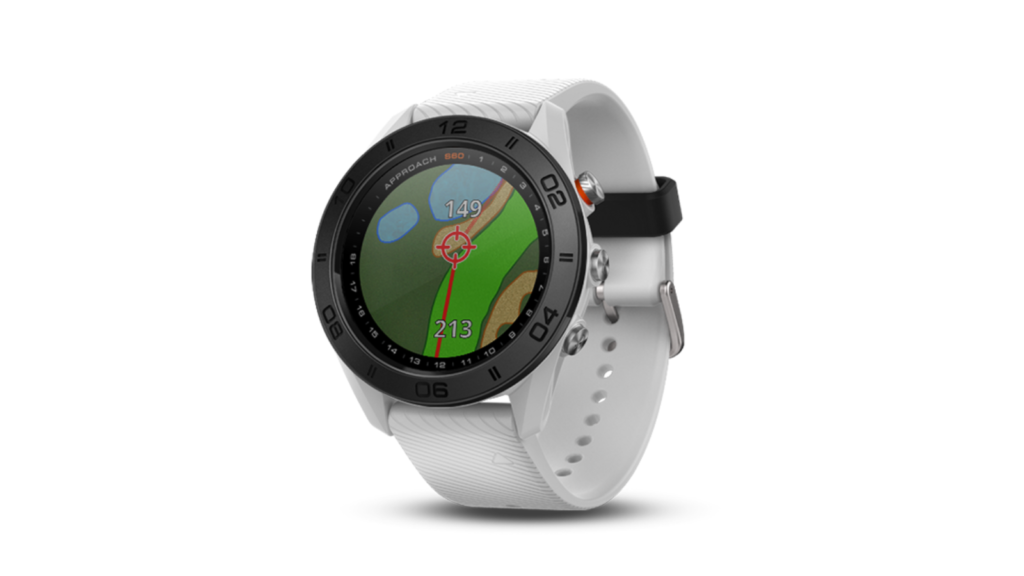
- Touch Targeting: Tap any point on the map to see the exact distance to that spot (e.g., a specific bunker or a layup area).
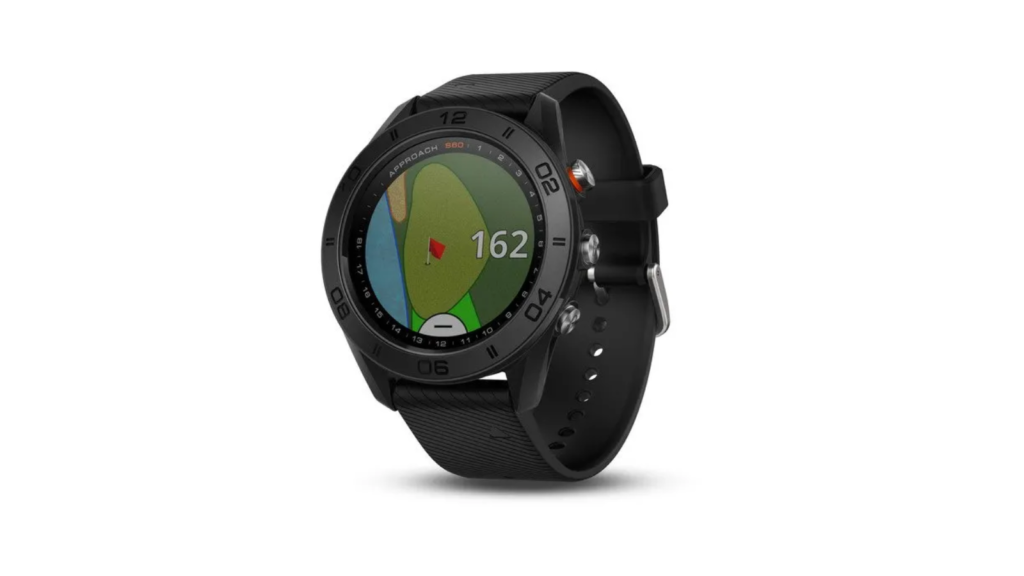
- Green View: Tap the green icon to see the true shape and layout. You can manually drag the pin to today’s exact location for pinpoint accuracy.
3. Advanced Feature Reviews: What Makes the S60 Special?
AutoShot Game Tracking
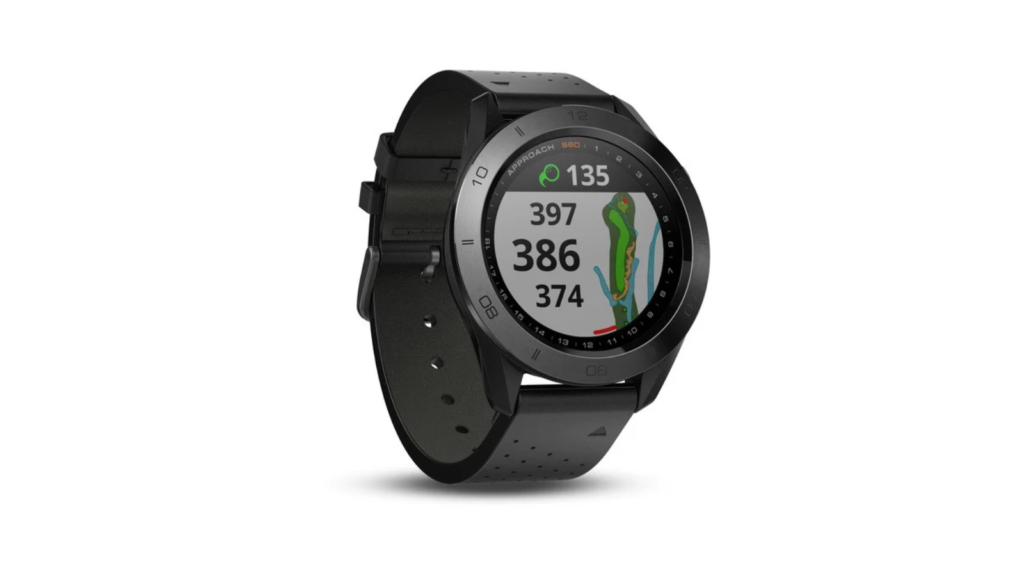
The S60 automatically detects shots along the fairway and records distances. This data is invaluable for post-round analysis, allowing you to see your typical yardages for every club in your bag.
PlaysLike Distance
Standard GPS gives you flat yardage, but the S60 uses PlaysLike Distance to adjust for uphill and downhill shots. This ensures you never under-club on a steep approach shot again.
Note: This feature can be turned off for tournament play to keep the device legal under USGA rules.
Swing Analysis (TempoTraining)
Unique to the S60 is its ability to measure your Swing Tempo. It calculates the ratio between your backswing and downswing. Most pros aim for a 3.0 ratio; the S60 helps you find that repeatable rhythm on the practice range.
4. Garmin Approach S60 Pros and Cons
| Pros | Cons |
| Styling: Looks like a premium watch, not a plastic toy. | Battery: 10 hours in GPS mode can be tight for 36 holes. |
| Mapping: Full-color, high-detail course maps. | No Heart Rate: Lacks an optical heart rate sensor. |
| Versatility: Includes tracking for running, cycling, and swimming. | Price: Positioned as a premium, higher-cost device. |
5. Everyday Smartwatch Capabilities
The S60 is designed for 24/7 wear. When you aren’t golfing, it functions as a robust fitness tracker and smartwatch:
- Smart Notifications: View texts, emails, and alerts directly on your wrist.
- Activity Tracking: Monitor your steps, calories burned, and sleep quality.
- Connect IQ Store: Download custom watch faces and additional apps to personalize your experience.
Final Verdict
The Garmin Approach S60 remains a gold standard for golfers who want a “do-it-all” wearable. Its combination of AutoShot tracking, PinPointer technology, and QuickFit interchangeable bands makes it a versatile tool that transition’s perfectly from the 18th green to the clubhouse.